

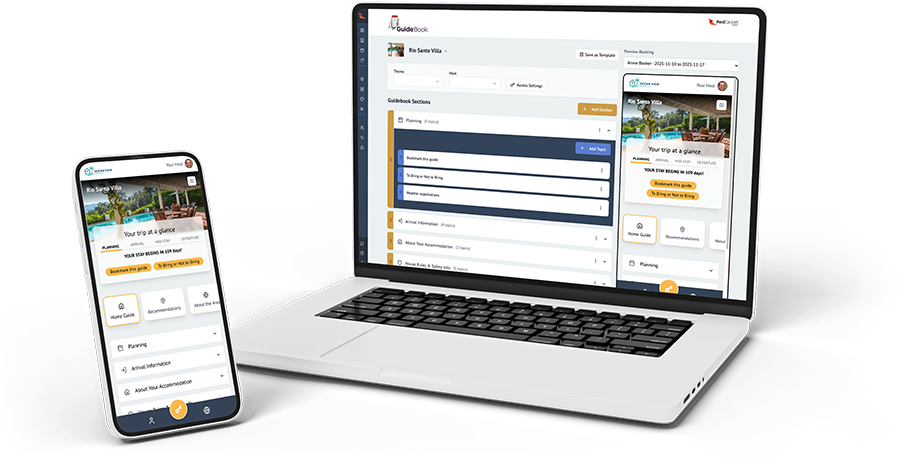
Impress your guests with a personalized guidebook that’s smart, friendly, and amazingly simple to build.

Smart & Dynamic
Don’t let the simplicity fool you. Under the hood, your guidebook is incredibly smart. Full API integration with your OwnerRez means every guest gets personalized details, including door codes and check-in time. Even set time-based visibility for content like address and door codes.

Host-friendly
The intuitive design of our guidebook editor will have even non-geeks up and running in minutes. The moment you sign up, Guidebooks for each of your listings are instantly generated and ready for you to fill in your content.

Guest-friendly
Guests access their guidebook with just one click. No app to download. No sign-in. No passwords. And our innovative one-page design means all of the information they need can be reached with 2 taps or less.

guidebook features

A guidebook guests will use
We understand the challenge of guest who don’t read the information we provide. That’s why we’ve painstakingly designed a guidebook that maximizes accessibility and visibility. Guests go from link to landing page with one click and no password. And our innovative single-page interface puts everything within reach of a tap or two. That means important information won’t be lost in a maze of pages.
Intelligent “Guest Journey” timeline
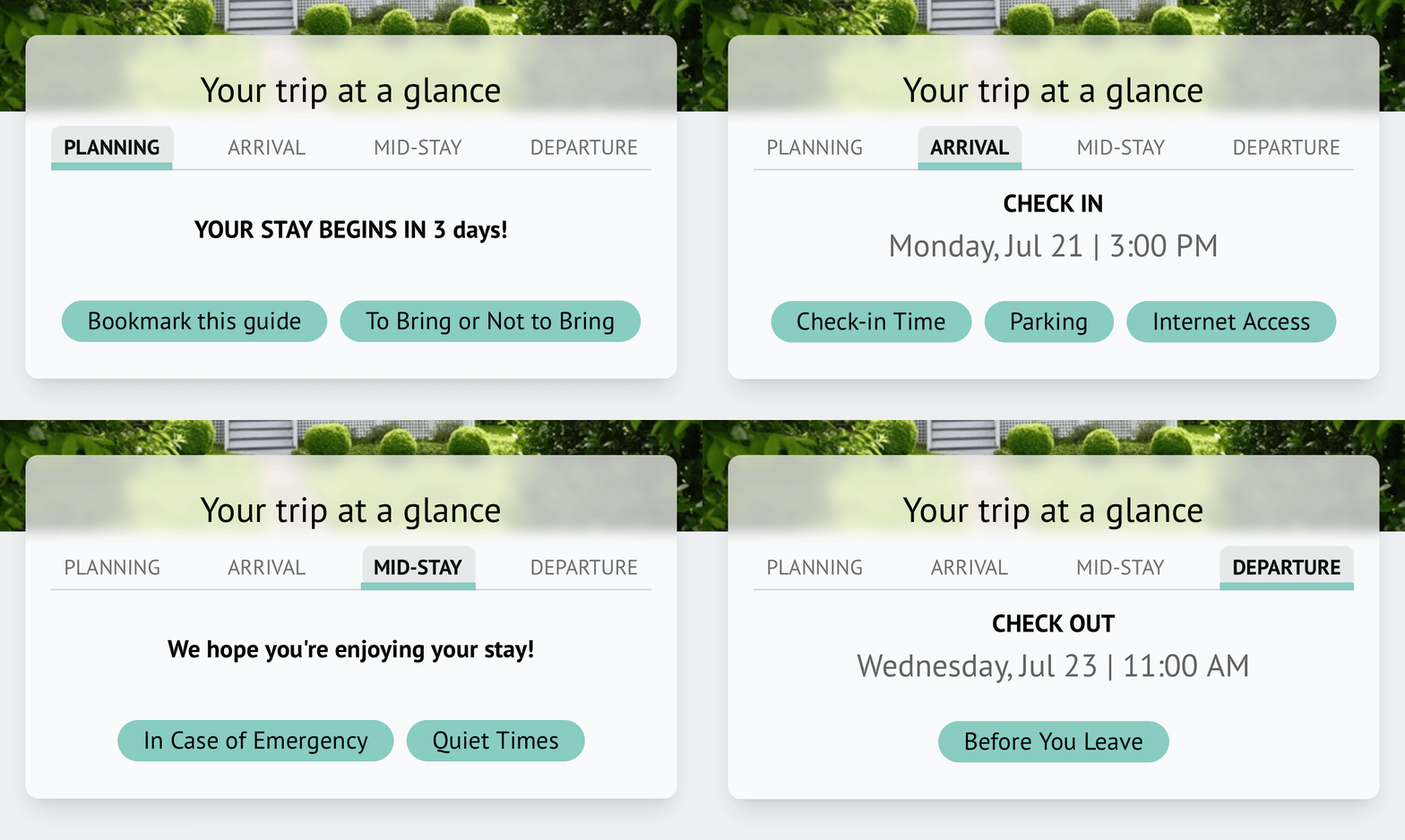
Showing guests WHAT they need to know WHEN they need to know it means important information isn’t lost in the clutter. Your RedCarpet guidebook creates a smart timeline that dynamically highlights content based on the current time relative to the guest’s arrival and departure times.
Smart content
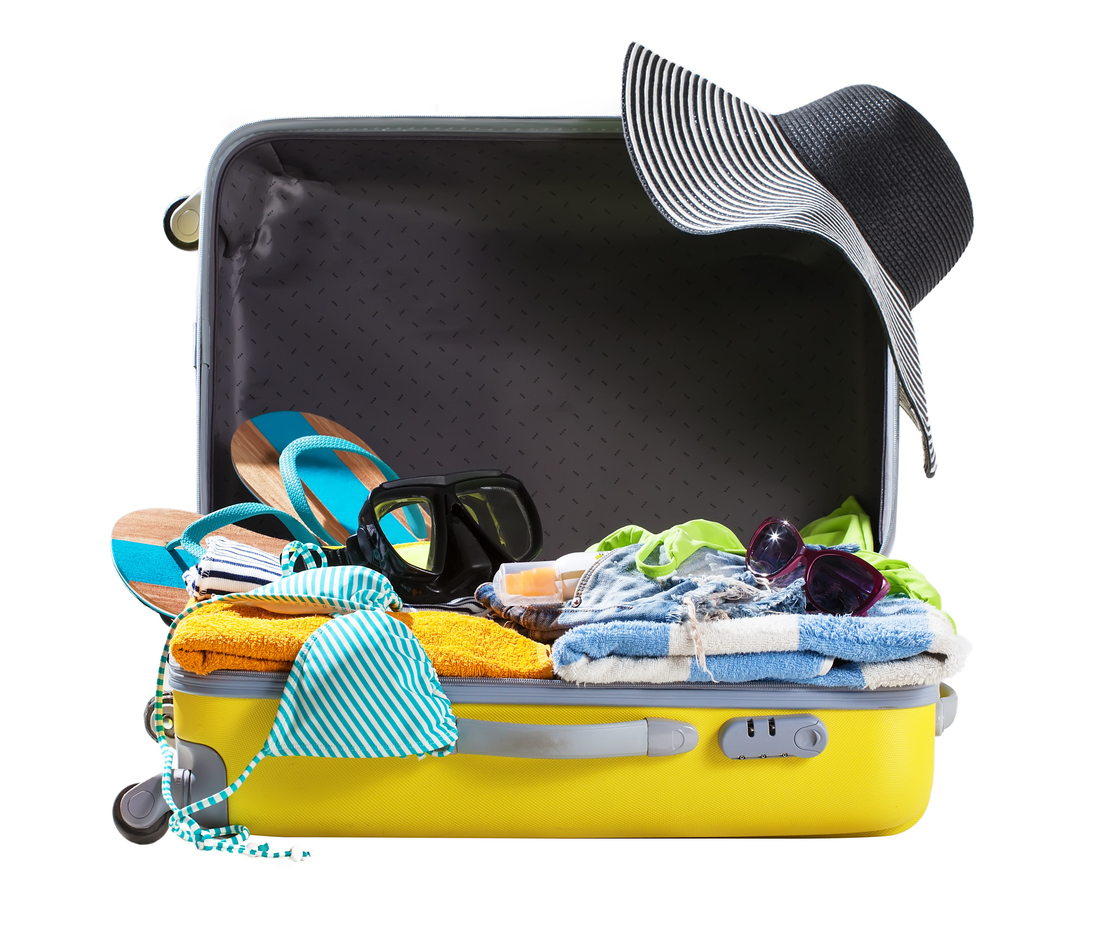
Harness the power of AI and delight your guests dynamic information that’s truly useful. Our smart content templates generate content unique to each guest. For example, the “Packing Suggestions” template uses the dates of your guest’s visit and property location to tailor tips based on expected weather and activities in the area.
Local guide with a personal touch
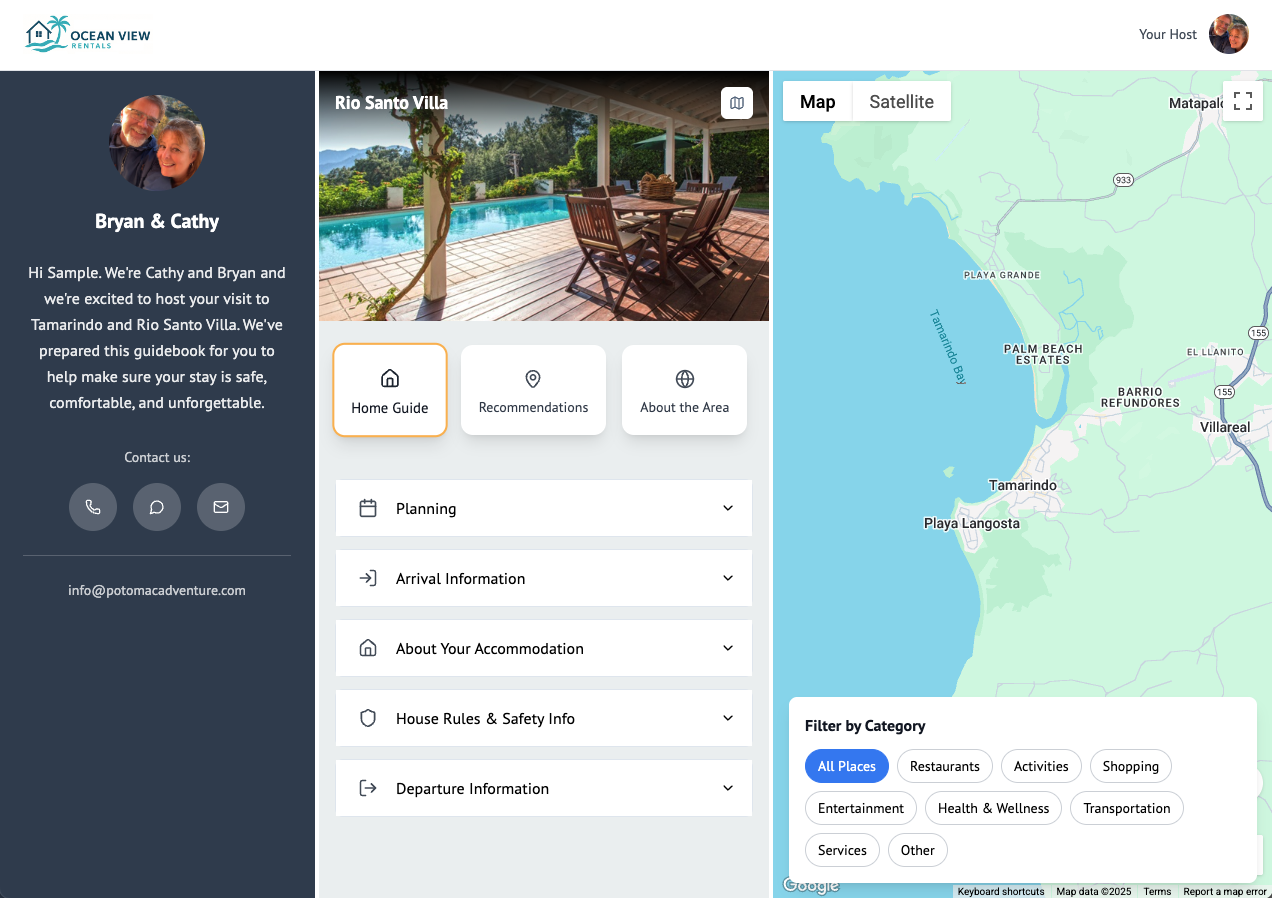
Just search and click to add your local recommendations. And, since guests value your opinion, easily add a personal note.
Guests will love the ability to see what’s open now with just the tap a button, and sort by distance from your property.

{ ! }
{ ! }
Leverage the power of field codes
The RedCarpet Guidebook editor lets you insert field codes from your PMS speeding up initial setup and eliminating the need to update guest info in multiple places. For example, if you’ve written parking instructions in your PMS, you can insert the field code for those instructions into your guidebook. If you need to change the instructions, just make the change in your PMS and your guidebook will update automatically.
Time-based visibility
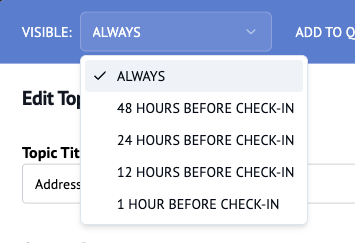
Some things are better left unsaid. . . at least until shortly before check-in. You can set the the visibility time for any content in your guidebook. For example, set the door code to be hidden until one hour before check-in, or set the property address to be visible only within 24 hours of check-in.
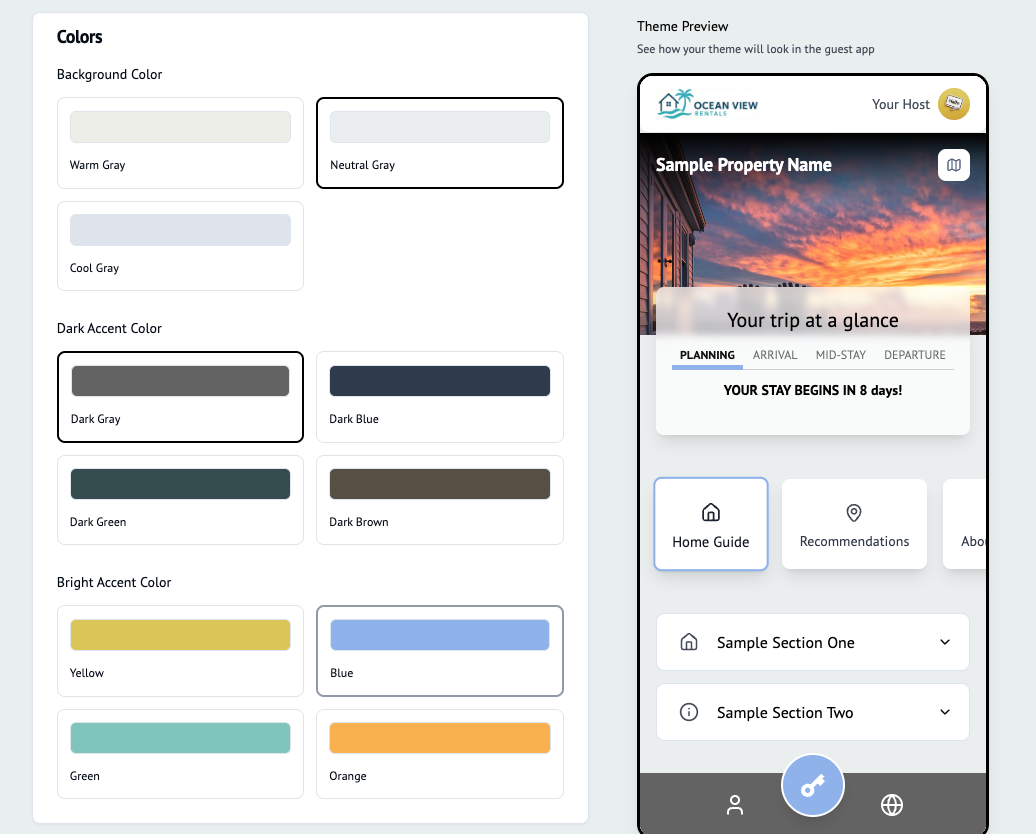
Your brand, your style
From the guidebook link URL to the page header and even the app icon, we put only YOUR company name and logo in front of your guests.
Any you can even put your own spin on your guidebook design with our Style Editor. Create multiple themes that you can apply to specific properties.
Not just for guests
A public version of each guidebook is automatically generated. It contains all of your property information but no guest-specific content. Share the link on your website or social media. We even provide a QR code that you can post at your property or printed materials.
Integrated add-ons
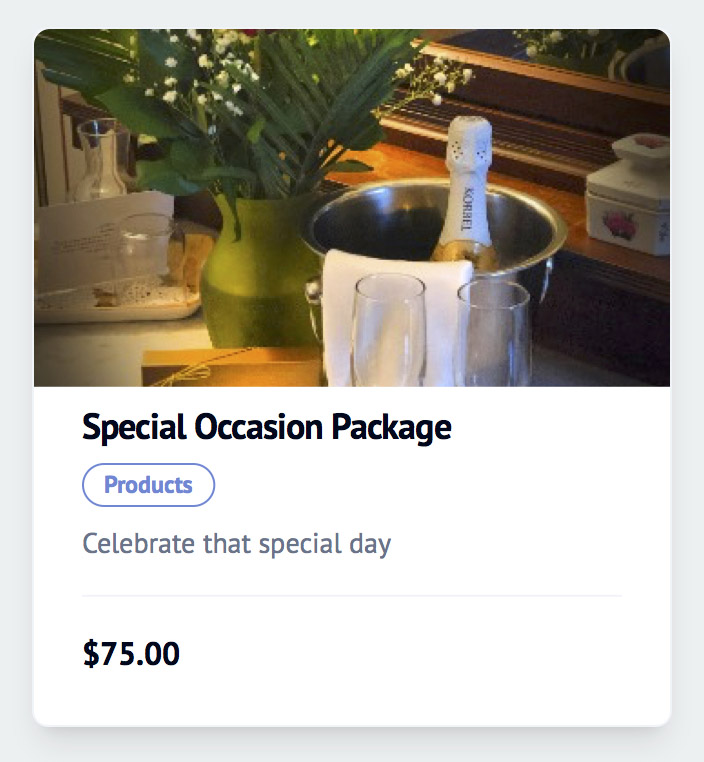
We’ve built a smarter way to offer your guests products and services by integrating purchases with Stripe and your OwnerRez account.
When a guest purchases an add-on the booking will be tagged with the purchased item. You can use the tag to trigger reminders or notifications to the relevant staff.
You have the option to have guests make payment through your Stripe account or use your own internal process. You can also offer items with an affiliate link or link directly to a third-party vendor.
Quick launch
We offer several tools to help you build your guidebooks quickly and easily.
Get a jumpstart with a default starter template or find a pre-made template in the Community Library then customize it to suit your needs.
You can even take a photo of your printed guidebook and upload it. Our AI robot will scan your photo, intelligently parse your content, and save it to your library. Then you can simply insert the content into your guidebook.
Guidebook FAQs
Simpler hosting. Happier guests!
Get in touch and let us show you how easy it is to roll out the RedCarpet.